Guide 8 of 10
DNS and VPN
Two network-level controls. Encrypted DNS is free and changes who can see the sites you look up. The VPN is a paid add-on that routes chosen apps through your own exit server.
Encrypted DNS
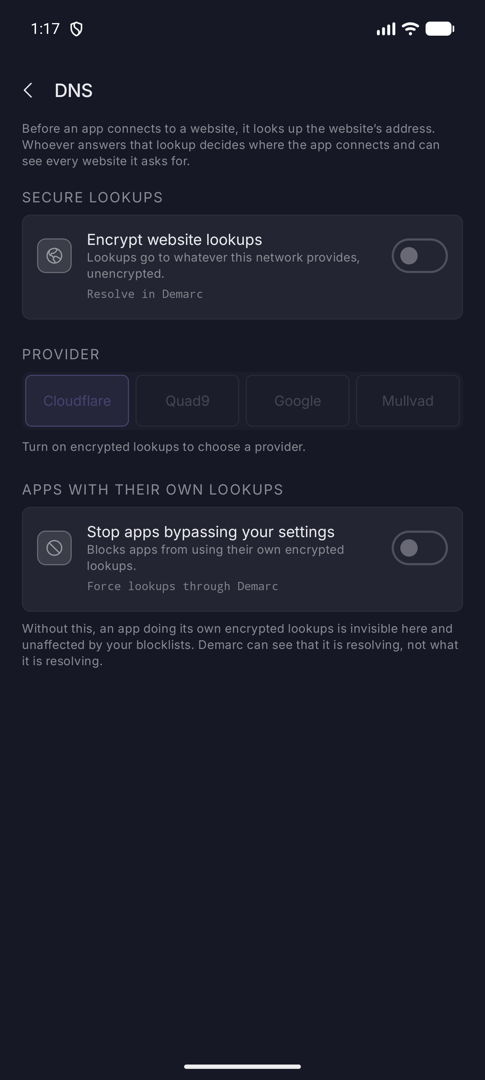
Guard › DNS. Before an app connects to a website it looks up the website’s address; whoever answers can see every site it asks for.
Secure lookups
Encrypt website lookups (technical name Resolve in Demarc) is off by default. Off, lookups go to whatever the network provides, unencrypted. On, they are encrypted and sent to the provider you choose. This is also what lets Demarc see and block every lookup.
Changes take effect the next time you start monitoring.
Providers
| Provider | Described in the app as |
|---|---|
| Cloudflare (default) | Fast, and deletes lookup records within 24 hours. |
| Quad9 | Blocks websites known to be harmful. Non-profit, based in Switzerland. |
| Fast and widely used. Keeps some lookup records for longer. | |
| Mullvad | Privacy-focused. Keeps no lookup records. |
All four use DNS over HTTPS. The provider chooser is greyed out until encrypted lookups are on.
Apps with their own lookups
Some apps resolve names themselves, skipping the resolver you picked.
Stop apps bypassing your settings (technical name Force lookups through Demarc, off by default) blocks apps from using their own encrypted lookups. It blocks DNS over TLS on port 853 and known DNS-over-HTTPS endpoints.
Without it, an app doing its own encrypted lookups is invisible in Demarc and unaffected by your blocklists. Demarc can see that it is resolving, not what it is resolving.
VPN (subscription)
Guard › VPN. The only paid part of Demarc. Everything else in this guide is free.
What it is
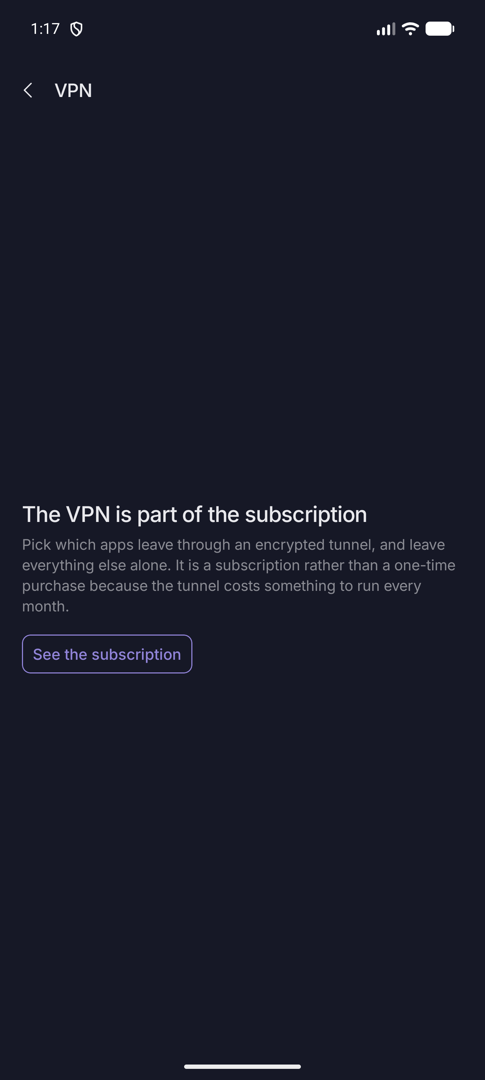
Route chosen apps through an encrypted WireGuard tunnel. Everything else goes out the ordinary way. It is a monthly subscription through Google Play, covers every device you run Demarc on, and cancelling it stops the VPN only.
Without a subscription the VPN row shows a lock, and the screen offers See the subscription. In Settings, VPN subscription opens the same page; once subscribed that row becomes Manage subscription, which opens Google Play.
Setting it up
- Under Exit server, paste a WireGuard configuration and tap Save. It reads “Saved — restart monitoring to connect.”
- Under Apps to route, pick the apps. Anything not picked keeps going out the ordinary way. You can also use Send through the VPN on an app’s page.
- Connect and Disconnect control the tunnel, whose state reads Tunnel up, Connecting…, No tunnel configured or Waiting for monitoring.