Guide 4 of 10
Investigate and report
The Look closer section of Guard: five screens for working out what your apps are doing and keeping a record of it.
What needs a look
Guard › What needs a look. Findings from the detectors, answerable items first, then by severity.
Tap a finding for the whole story, which opens the app’s page. Swipe left to dismiss it and swipe right to act on it where there is something to do. Both are also exposed to TalkBack. Show N dismissed at the bottom brings dismissed items back, and dismissals survive restarts.
Findings you can act on
| Finding | Action |
|---|---|
| “… reached a flagged host” (serious) | Block |
| “… sent data anyone could read” | Block or Inspect |
| “… is sending a lot out” | Inspect |
Findings that tell you something
| Detector | What it noticed |
|---|---|
| Beaconing | An app contacts the same place on a schedule. Often harmless (push, mail polling), sometimes not. |
| Machine-generated names | Lookups of several names that look generated by an algorithm. Rated serious. |
| Unanswered lookups | Many names that did not resolve. |
| DNS tunnelling | Long-label lookups under one domain, the shape of data being carried over DNS. Rated serious. |
| Weak TLS | A connection negotiating obsolete TLS or weak ciphers, or still offering retired versions. |
| Rule alerts | An app matched one of your Alert rules. |
Data safety
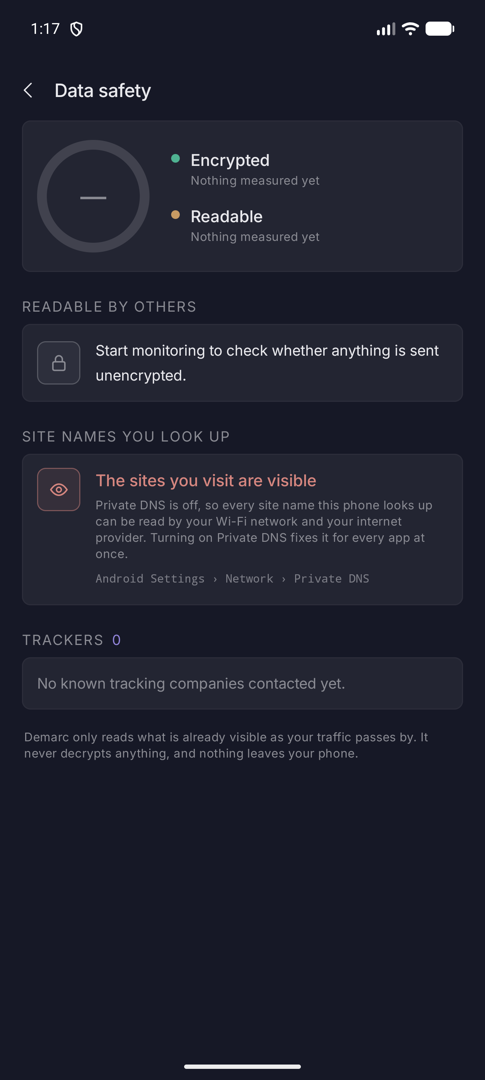
Guard › Data safety. How much of your traffic anyone else could read.
Readable, names and trackers
The ring splits Encrypted from Readable with byte and connection counts. Readable by others names the apps that sent data without encryption. Site names you look up reports whether your DNS is private, and Trackers lists the apps that contacted known tracking companies.
Demarc only reads what is already visible as your traffic passes. It never decrypts anything, and nothing leaves your phone.
Where your data goes
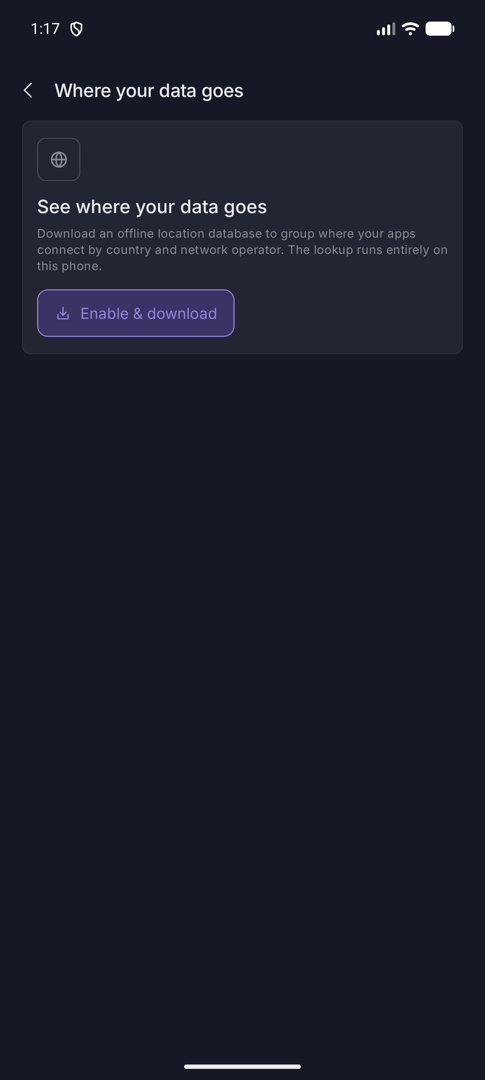
Guard › Where your data goes. Destinations grouped by country and company.
Turn on the location database
This is off until you enable it. Enable & download fetches an offline database (from iptoasn.com) that maps addresses to a country and network operator. The lookup runs entirely on your phone; later, Update refreshes it and Turn off removes it.
By country then groups where your apps connect. It reflects where the network that owns each address is registered, which is the operator’s country, not necessarily where the server stands.
Record traffic to a file
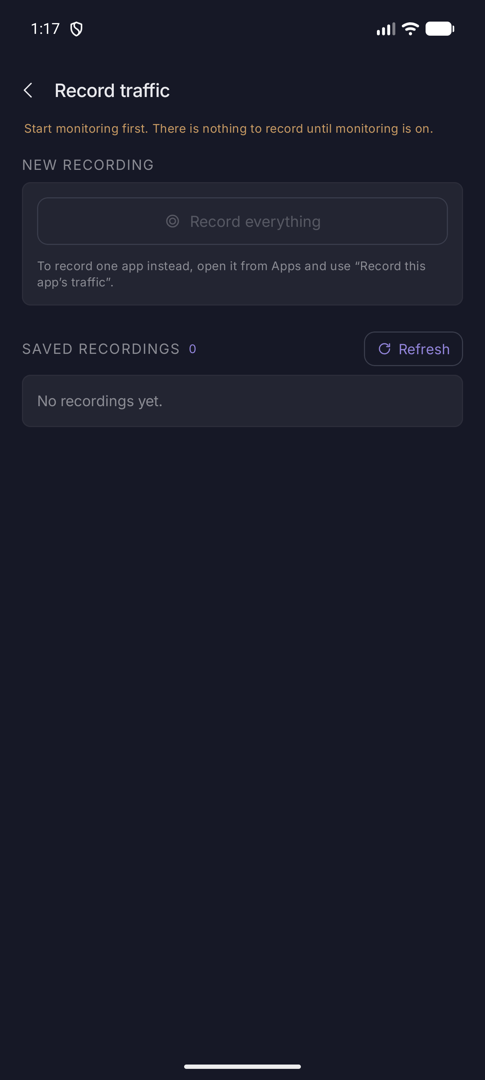
Guard › Record traffic to a file. Saves a standard .pcap you can open in Wireshark.
Record, then inspect
Monitoring must be on. Record everything captures every app until you tap Stop recording; to record one app, use Record this app’s traffic on its page. The file holds the packets themselves, not a summary, and keeps growing until you stop it.
Recordings appear under Saved recordings. Open one for the built-in viewer, with a filter for address, port or protocol and per-packet detail, or Share it to a tool such as Wireshark.
Report
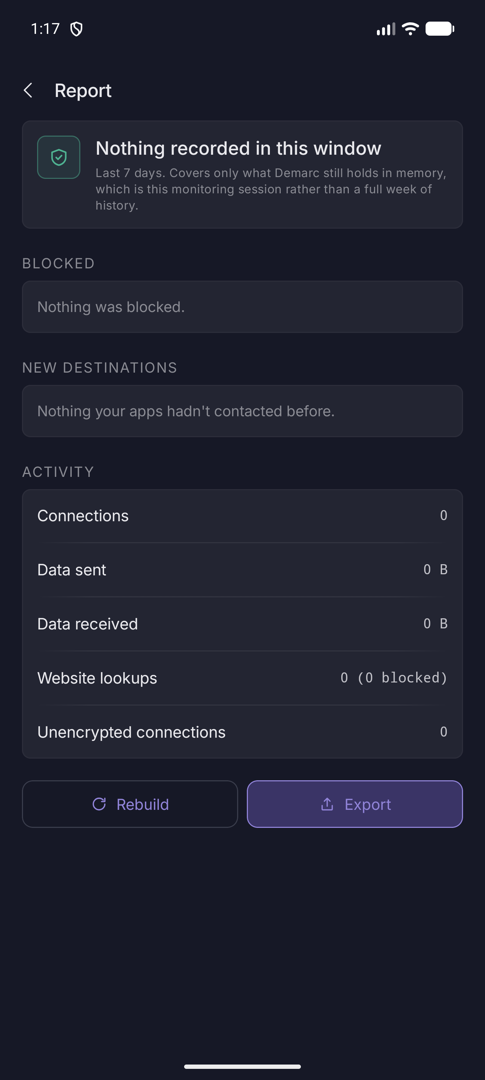
Guard › Report. What happened while you were not looking.
A summary you can export
A headline for the period, then Known-bad contact, Findings, Blocked, New destinations, Activity (connections, data each way, lookups, unencrypted connections) and Busiest apps. Sections without content are left out.
Rebuild recomputes it. Export shares it as a JSON file.